Orient AC Remote & App Guide — Complete Settings for Pakistani Users
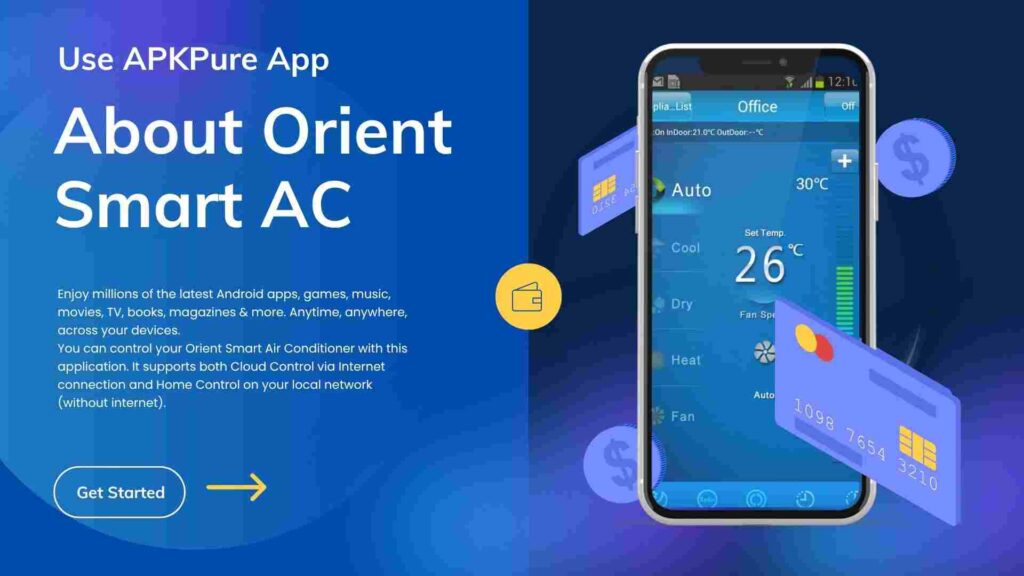
Orient is a proudly Pakistani AC brand, and their inverter models — especially the UltraTron and eComfort series — are everywhere in Islamabad homes. Many models now come with WiFi smart control through an app, yet most owners never set it up and half the remote buttons stay a mystery. This guide fixes that. Orient AC Remote — Modes Explained Cool Mode — Standard summer cooling. Set it at 26°C for the best balance of comfort and electricity cost — see why in our AC temperature settings guide. Heat Mode — Orient’s heat & cool inverters double as winter heaters. With gas prices and winter load shedding in Islamabad, running an inverter AC on heat mode has become genuinely cheaper for many homes than gas heaters. Dry Mode — For Islamabad’s humid monsoon weeks. It pulls moisture out of the air without over-cooling — the room feels fresher at lower cost. Fan Mode — Air circulation only, compressor off. Turbo — Full-power cooling for quickly bringing down a hot room. Use for 10–15 minutes, then return to normal — it’s the most power-hungry setting. Sleep Mode — Gradually adjusts temperature overnight so you don’t wake up freezing at 3 AM, and saves electricity across the night. Timer — Auto on/off scheduling. Set it to switch off after you fall asleep — effortless saving. Setting Up the Orient Smart App (WiFi Models) Orient’s WiFi-enabled models can be controlled from your phone — useful for cooling the room before you reach home: Download the Orient smart app from Play Store / App Store (check your model’s manual for the exact supported app name) Create an account and turn on your phone’s WiFi + location On the AC remote, activate WiFi pairing mode (typically by pressing the WiFi/Health button for a few seconds until the display blinks — varies by model) The app detects the AC; connect it to your 2.4GHz home WiFi (most AC modules don’t support 5GHz — this is the most common setup failure) Once paired, you can control temperature, modes, and timers remotely Load shedding tip: After a power cut, WiFi models sometimes disconnect from the app. If the AC stops responding remotely, power-cycle your router first before re-pairing. Remote Not Working? Quick Checklist New batteries (both, same brand) Point directly at the unit from within 6–7 meters Check if the remote’s display works — if the display is dead, it’s the remote; if display works but AC doesn’t respond, the AC’s receiver may be faulty Phone camera test: point the remote at your phone camera and press a button — a visible flashing light on screen means the remote transmits fine If the remote transmits but the AC ignores it, the receiver board or PCB needs a technician. Orient AC Repair & Service in Islamabad Muhammad Technical Services repairs all Orient models across Islamabad — remote/receiver issues, PCB repair, gas charging, WiFi module problems, and complete servicing, with same-day visits in most sectors. AC dripping water too? Here’s our AC water leakage repair guide. 📞 Book Orient AC service Frequently Asked Questions Orient AC app se connect nahi ho raha, kya karun? 95% cases mein wajah 5GHz WiFi hoti hai — apne router ka 2.4GHz network use karein. Orient AC winter mein heater ka kaam karta hai? Heat & Cool inverter models haan — aur bijli ke hisab se yeh gas heater se sasta bhi par sakta hai. Orient AC ka remote kharab ho jaye to kya karein? Universal remote kaam kar jata hai, ya original remote market se PKR 1,500–3,000 mein mil jata hai. AC receiver ka masla ho to technician check karega.